01
Every character a sound
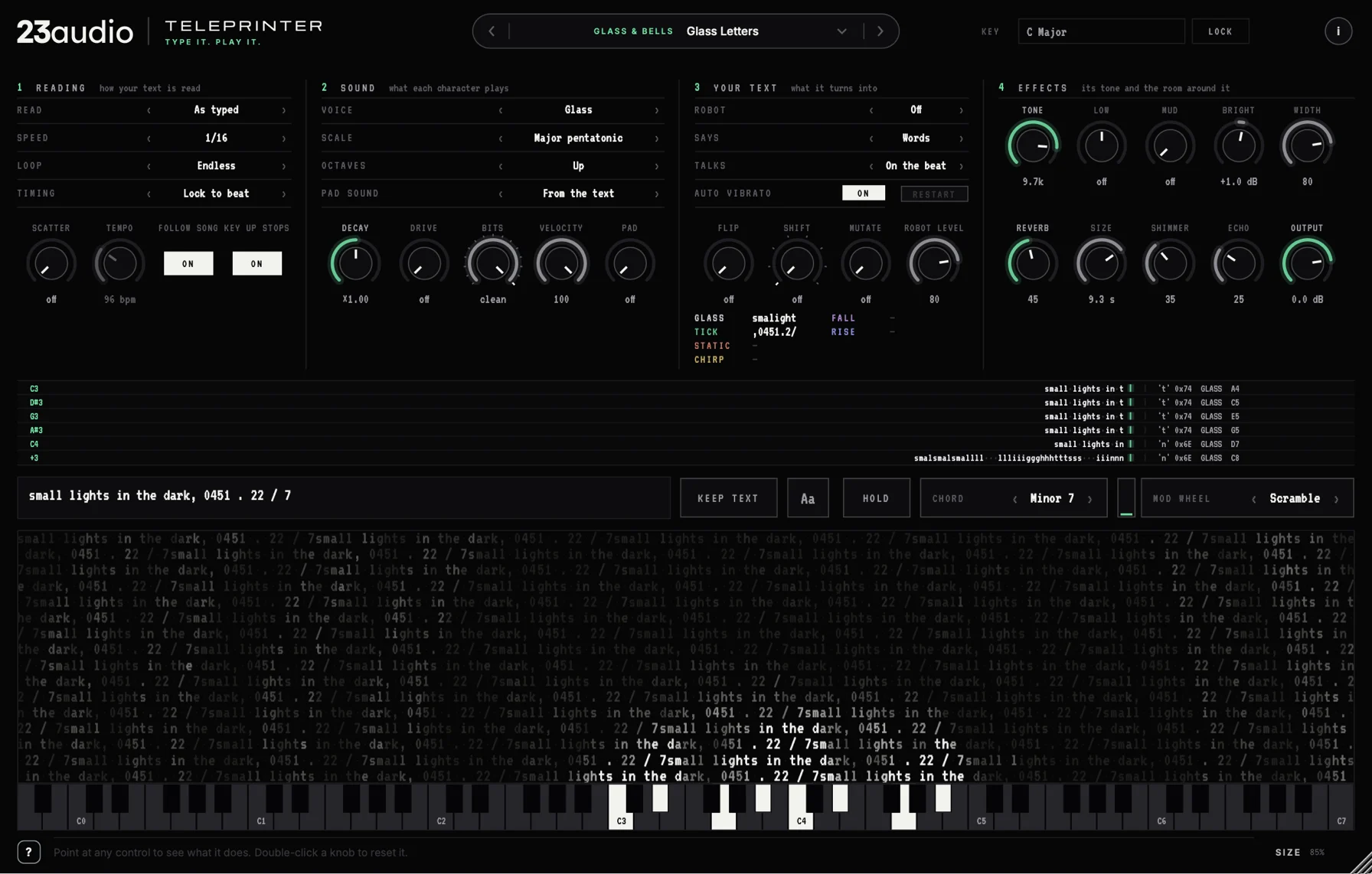
Letters, numbers, symbols and spaces each play differently, so the words you type become the rhythm and the melody. Change the text and the music changes with it.
Type it. Play it.
An instrument that plays the text you type. Every character is its own small sound, and a robot can read your words out on the notes you play.
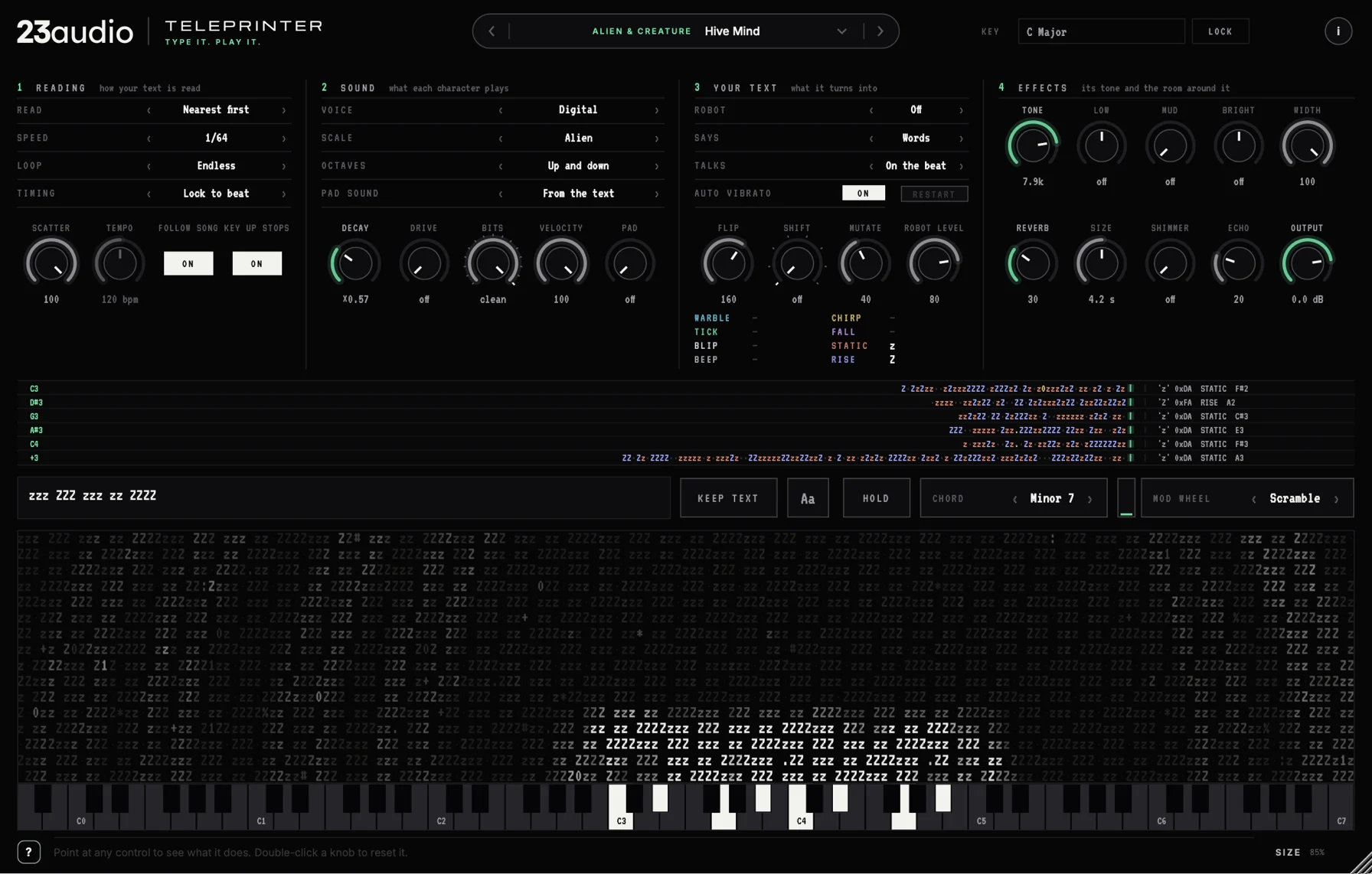
TELEPRINTER turns text into sound. Type anything into it, a word, a line of code, a row of symbols, and it fills the screen. Each key you play sends a ripple out across the text, and every character it reaches makes its own sound: capitals blip, lower case beeps, numbers and symbols tick, a space is a rest.
It's two instruments in one. For sound design it's computers, terminals, alarms, machines and creatures, the chatter of machines. For music it plays arps, riffs, leads and basses on glass, harp, felt piano and music box, locked to your song's tempo and key.
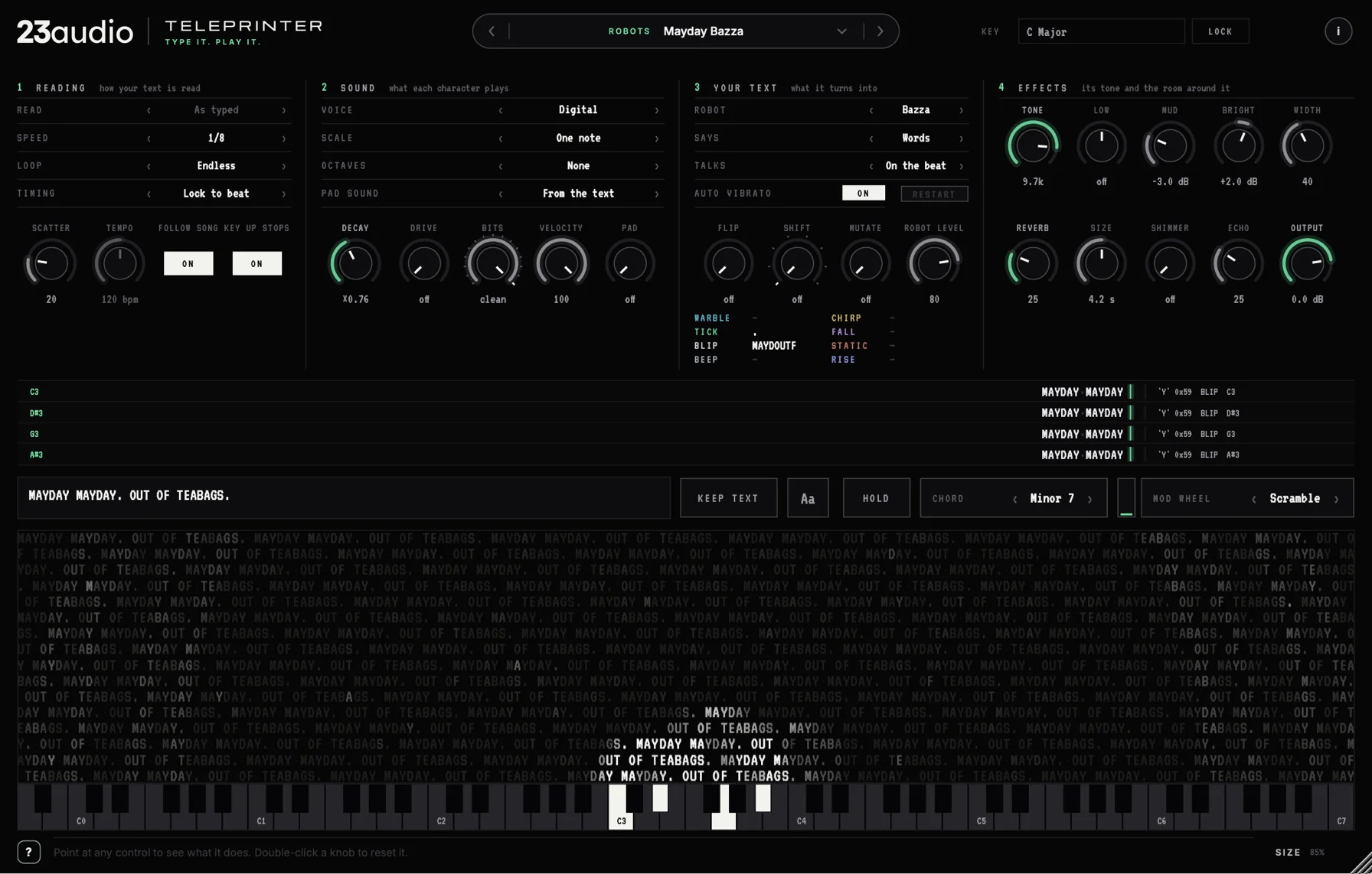
And it talks. Six robot voices can read your words out on the notes you play, spell them, babble, or sing your text one syllable per note.
A love song for a choir of robots: Doris, Little Kevin, Big Norman and Bazza, each singing their own line.
A calm piece played by six TELEPRINTERs: felt piano, hum and glass, two leads and the words of the melody.
A shopkeeper and a hero, a blip for every letter, from the Game Dialogue preset.
All systems normal, until the mod wheel scrambles the letters and the bits drop. The System Failure preset.
Letters, numbers, symbols and spaces each play differently, so the words you type become the rhythm and the melody. Change the text and the music changes with it.
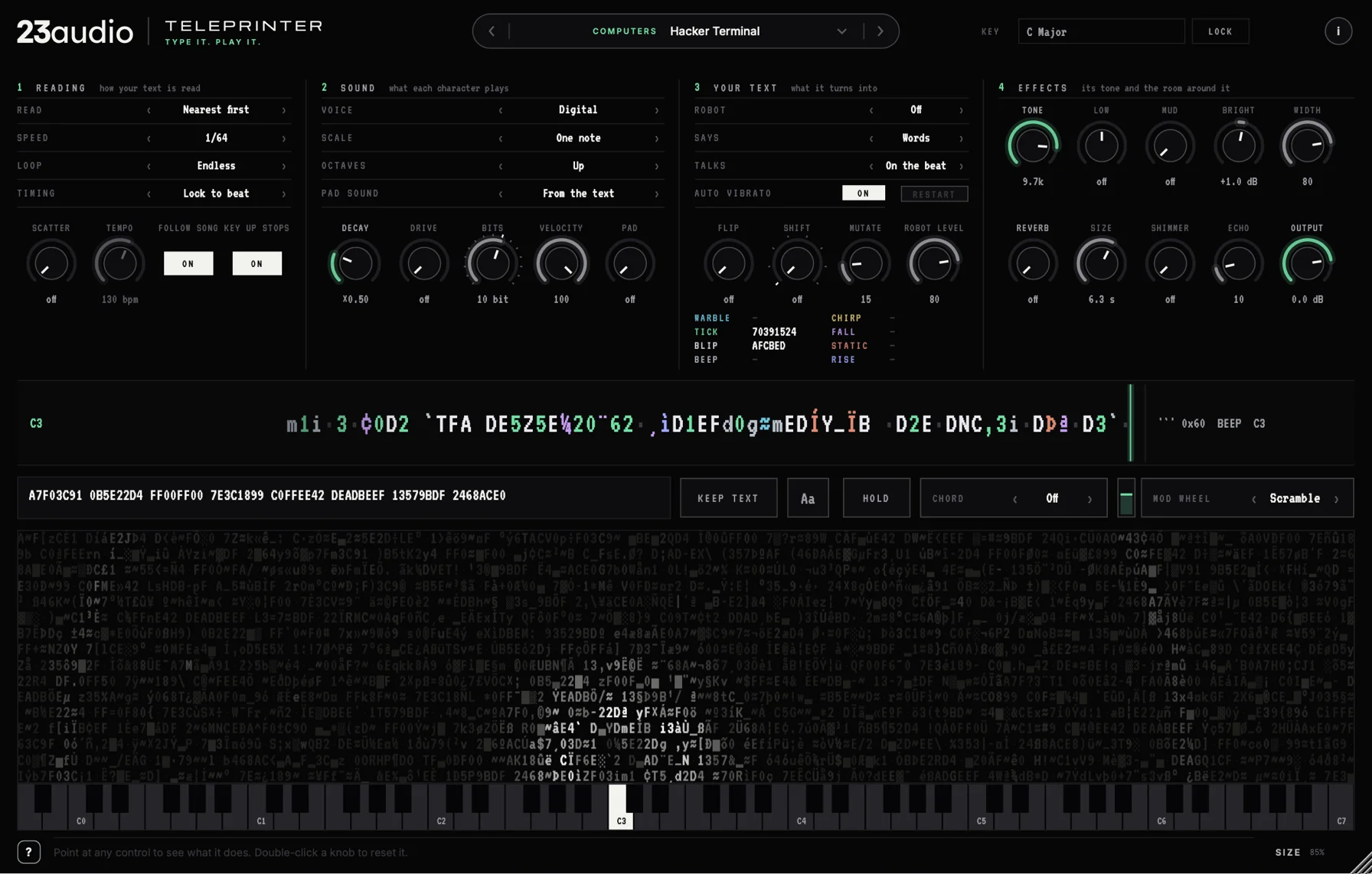
Your text fills the screen above a full 88-key keyboard. Each note's ripple rises from its key and lights up every character as you hear it.
A line of tape for each note prints what it reads, coloured by the sound each character makes, and it stays printed.
Doris, Bazza, Clive, Reginald, Little Kevin and Big Norman. They say your words on the notes you play, spell them out, babble, or sing them a syllable per note.
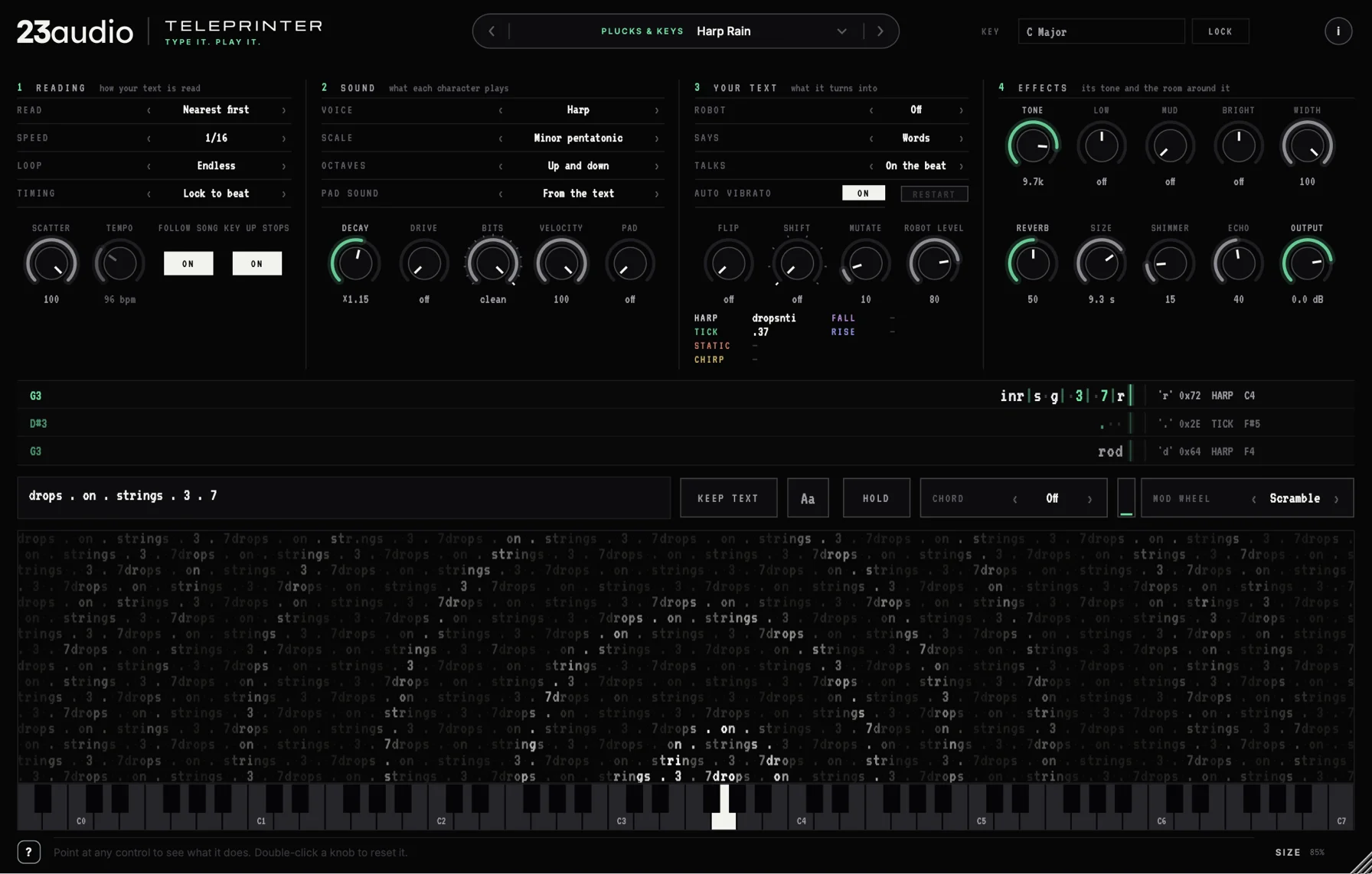
Digital blips and chirps, or let the letters play glass, pluck, harp, felt piano, music box, hum and two distorted basses.
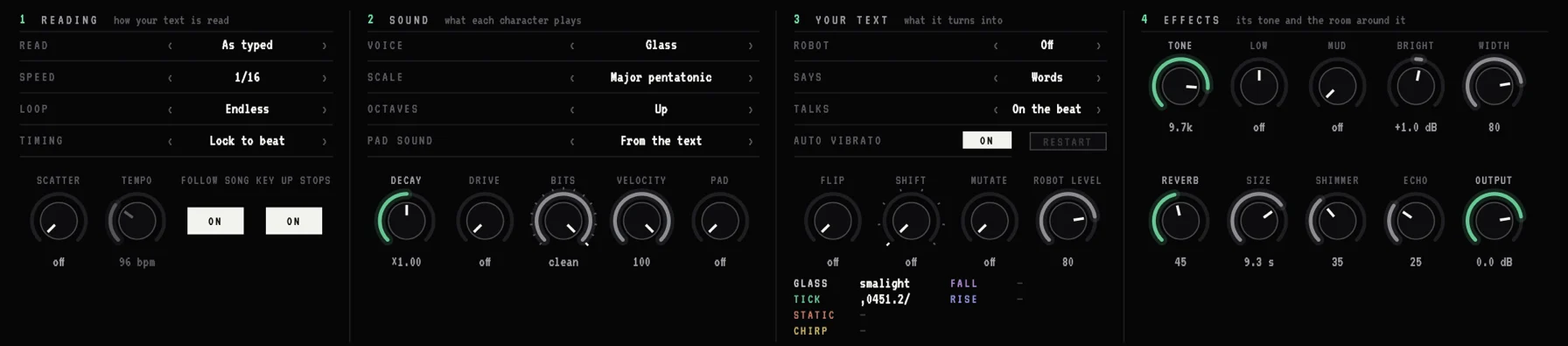
It follows your song's tempo, and LOCK keeps every note in the key you choose. HOLD latches notes, CHORD plays a whole chord from one key, and the mod wheel scrambles your text as you push it.
Sound design (computers, robots, alarms, creatures, machines, interfaces) and music (arps, leads, glass, plucks, beds and basses), each with its own text, and the sound of every clip on this page is one of them. KEEP TEXT tries your own words on every one.
Provisional. Final requirements will be confirmed before release.
Run the installer for your Mac or PC, open the plugin in your DAW and paste in your licence code. Full step-by-step instructions come with the release. Questions in the meantime? Email support.
No reviews yet. Reviews open when TELEPRINTER is released, and only people who bought it can leave one.
Stuck installing, activating or using TELEPRINTER? Email and we'll sort it out.
No. Every preset comes with its own text, so you can just play. Typing your own is where it gets interesting: a name, a line of dialogue or a row of symbols each give a different rhythm and melody.
They know about 135,000 English words, and guess the rest from the spelling. Accented letters are read as plain ones, and Russian and Greek letters are written out in English letters first. Abbreviations in capitals, like NPC, are spelt out.
Yes. It follows your DAW's tempo and lands every character on the beat, and LOCK keeps every note in the key you set. It can also play free, starting the moment you press a key.
Any DAW that loads VST3, AU (Mac) or AAX (Pro Tools) plugins. A list of DAWs we've tested in will go up before launch.
Yes: Windows 10 or 11, 64-bit, as VST3 and AAX (Pro Tools). Each plugin page lists its minimum system requirements.
Yes: macOS 11 Big Sur or later, running natively on Apple Silicon and Intel Macs, as AU, VST3 and AAX (Pro Tools). Each plugin page lists its minimum system requirements.
VST3, AU and AAX, depending on your computer. One licence covers all of them.
Download the installer for Mac or Windows and run it. You can untick any formats you don't need. Full instructions come with the release.
After you buy, you get a licence code by email. Open the plugin and paste the code into its licence panel. That's it: no account, no activation server.
Yes. A licence is for one person, on up to three computers of your own, say a studio machine, a laptop and a spare.
Only to download the plugin and get your code. The licence is checked on your computer, so the plugin never needs to go online.
Install the plugin on the new one and paste in the same code. Lost the code? Email licensing@23audio.com and we'll send it again.
Updates are free for every plugin you own, for as long as it's updated. Download the new installer and run it; your licence carries on working.
Yes. Without a licence, every paid plugin runs as a demo with all its features working. The sound fades out briefly every so often, and there's no time limit.